
How to Develop a Comprehensive Internal Linking Strategy for SEO
Master the art of site architecture. Our guide explains how to develop a comprehensive internal linking strategy to boost your rankings and user engagement.
The Importance of Internal Linking in Modern SEO
When businesses look to improve their search engine performance, they often focus heavily on external backlinks. However, understanding how to develop a comprehensive internal linking strategy is just as vital for organic success. Internal links are hyperlinks that point to another page on the same domain. They are the primary way both users and search engine crawlers navigate your website. A well-structured network of internal links establishes information hierarchy, distributes link equity (ranking power) across your pages, and helps Google figure out which content is most important.
Defining Your Website Hierarchy
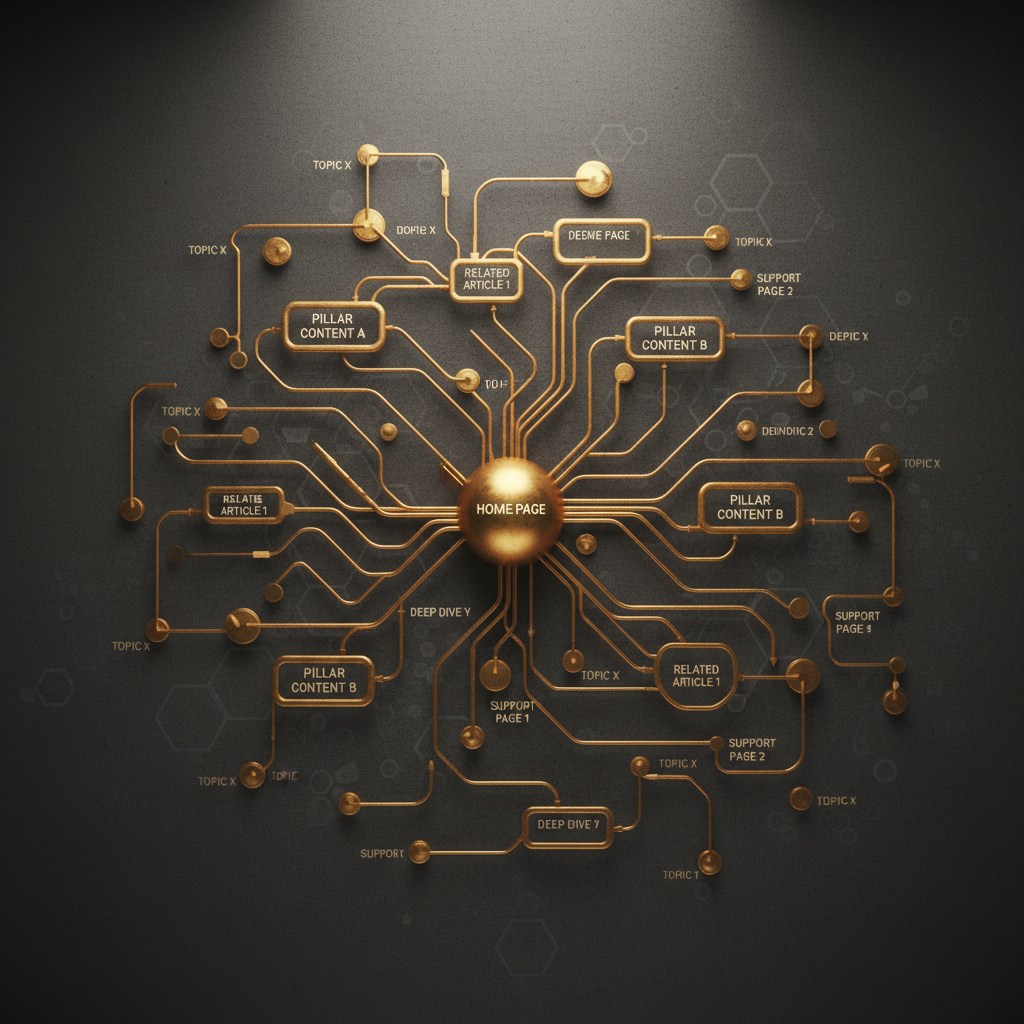
The foundation of any internal linking strategy is a logical site structure. Before you start adding links, you must visualize your site as a pyramid. Your homepage sits at the top, followed by main category pages, and then individual sub-pages or blog posts. This hierarchical approach ensures that value flows from your most authoritative pages down to the niche content. Without this structure, your website becomes a flat list of pages that search engines struggle to prioritise.
Using Descriptive Anchor Text
Anchor text is the clickable text in a hyperlink. To develop a comprehensive internal linking strategy, you must move away from generic phrases like click here or read more. Search engines use anchor text as a signal to understand the context of the destination page. If you are linking to a page about bespoke web design, the anchor text should ideally include those keywords. However, variety is key. Over-optimising with the exact same keyword for every link can appear manipulative. Use natural, descriptive variations that provide value to the reader.
The Role of Pillar Pages and Topic Clusters
One of the most effective ways to organise content is the pillar-cluster model. This involves creating a broad pillar page that covers a core topic in depth, which then links to multiple specific cluster pages that explore sub-topics. For example, a pillar page about digital marketing might link to cluster pieces on SEO, PPC, and social media. Each of these cluster pieces should then link back to the main pillar page. This creates a tight semantic loop that signals to Google your authority on the subject. At Kingswood Agency, we often implement this structure to help clients dominate competitive local and national search terms.
Distributing Page Authority via Link Equity
Not all pages on your site are created equal. Your homepage and top-performing blog posts likely have the most authority because they have earned the most external backlinks. By linking from these high-authority pages to new or low-performing content, you can pass on link equity. This process helps search engine spiders discover new content faster and can give a necessary ranking boost to pages that are currently sitting on the second or third page of search results.
Link Depth and User Navigation
A major goal when you develop a comprehensive internal linking strategy is to ensure that no page is too far away from the homepage. A general rule of thumb in SEO is the three-click rule: a user (and a crawler) should be able to reach any page on your site within three clicks of the homepage. If a page is buried deep in your architecture, it is considered an orphan page or a deep page, and it will struggle to rank. Frequent internal linking ensures these pages stay visible and accessible.
Auditing Your Current Internal Links
Before implementing a new strategy, you must understand your current state. Use tools like Google Search Console or specialized SEO crawlers to identify pages with the most internal links and those with none. Look for broken links (404 errors) that are wasting crawl budget and frustrating users. A thorough audit allows you to bridge gaps in your content and fix redirects that might be slowing down your site speed.
Practical Tips for Implementation
When adding internal links, focus on the top of the page. Links found early in the body content often carry more weight than links buried in the footer or sidebar. Ensure that your links are relevant; linking a page about gardening to a page about car insurance offers no value to the user and can confuse search engine bots. Furthermore, do not overdo it. While there is no hard limit on the number of links per page, excessive linking can look like spam and dilute the value of each individual link. Aim for a natural flow that aids the reader's journey.
Managing Mobile and Desktop Consistency
With mobile-first indexing, Google primarily uses the mobile version of your site for ranking and indexing. It is crucial that your internal linking strategy is consistent across both desktop and mobile versions. If your desktop site has a robust sidebar with helpful links but your mobile site hides them to save space, you may be losing out on significant SEO value. Use responsive design and ensure that your most important navigation links are available on all devices.
Tracking and Measuring Success
Once you have implemented your strategy, monitor the results. Check Google Search Console to see if the crawl frequency of your important pages increases. Use analytics to track whether your bounce rate decreases and your average time on site increases. An effective internal linking strategy should keep users engaged for longer as they move through the relevant resources you have provided.
FAQ
How many internal links should I have on a page?
There is no fixed number, but the consensus among SEO experts is to keep it under 100 links per page, including navigation. Focus on quality and relevance rather than hitting a specific quota.
What is an orphan page?
An orphan page is a page on your website that has zero internal links pointing to it. Because search engine crawlers follow links to find content, orphan pages are often invisible to search engines and will not rank.
Can I use the same anchor text for different pages?
It is best to avoid using the exact same anchor text for two different pages. This can confuse search engines about which page is the most relevant for that specific keyword or phrase.